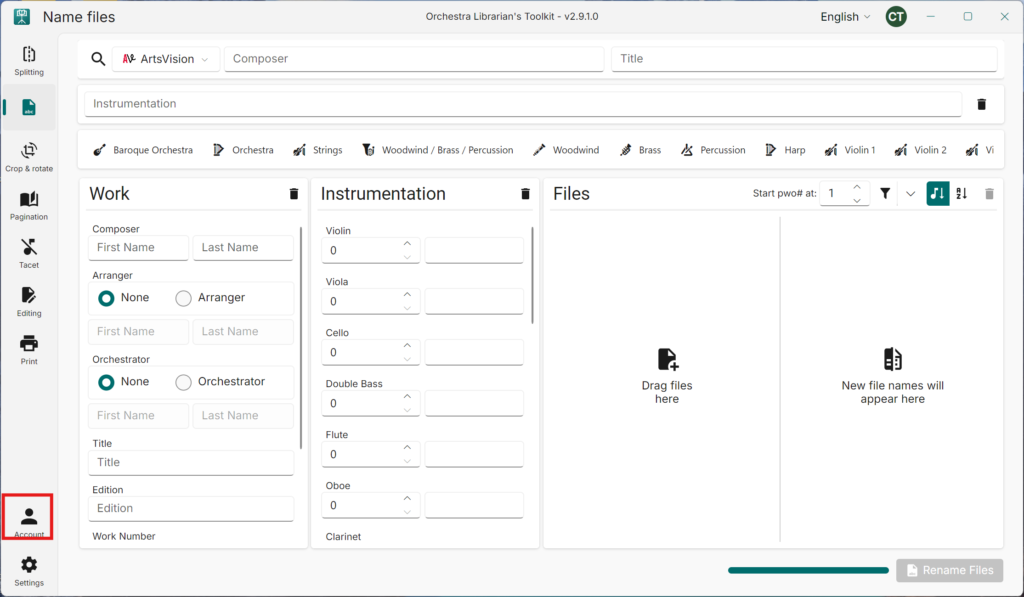
- Navigate to Account
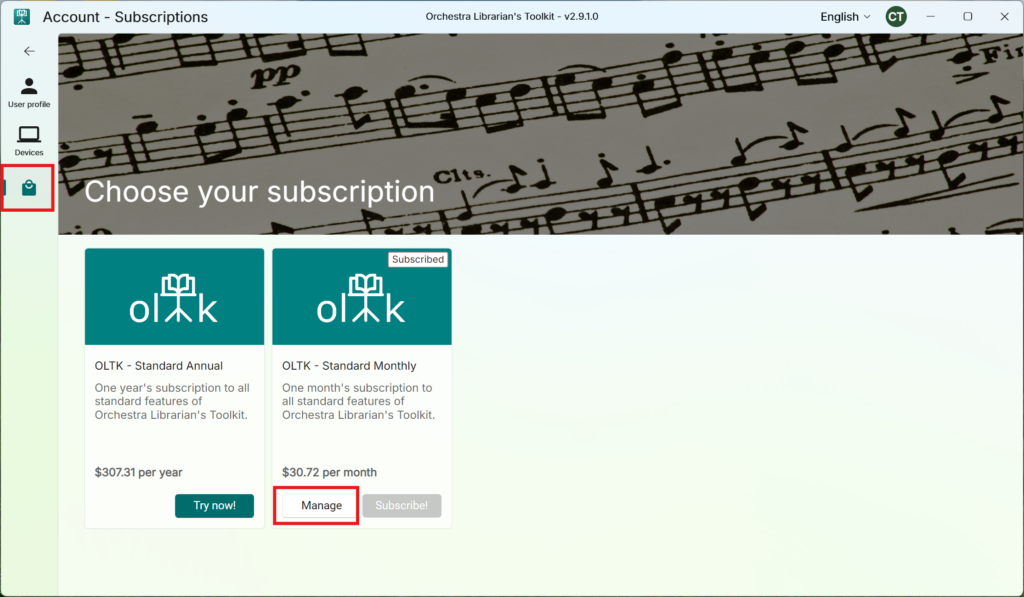
- Navigate to Subscriptions
- Press Manage on your subscription
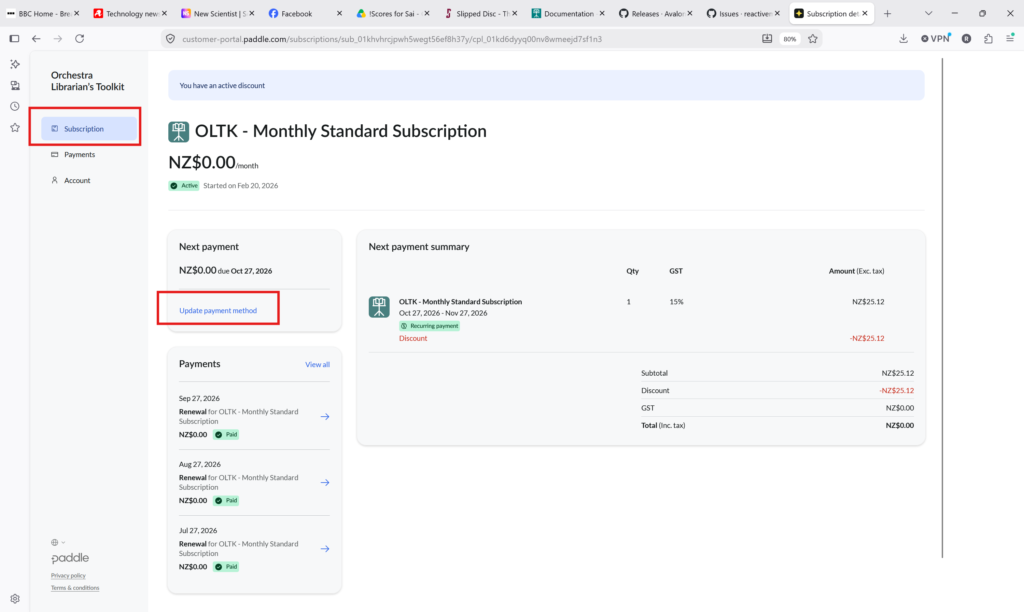
- In the browser window that opens, navigate to the Subscriptions tab
- Press Update payment method
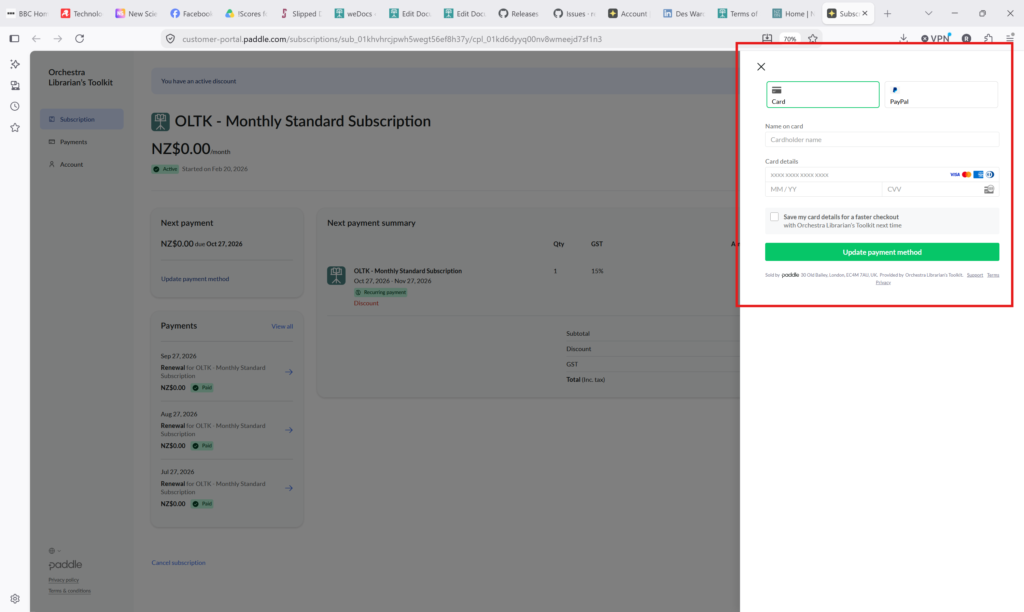
- Fill in your new payment details and press Update payment method in the side view that opens