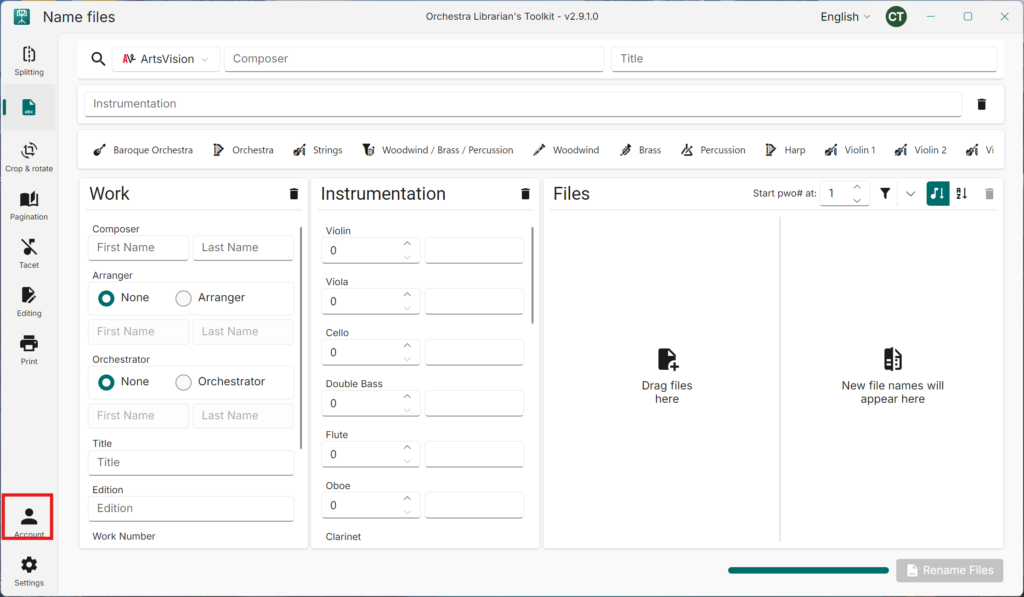
- Navigate to Account
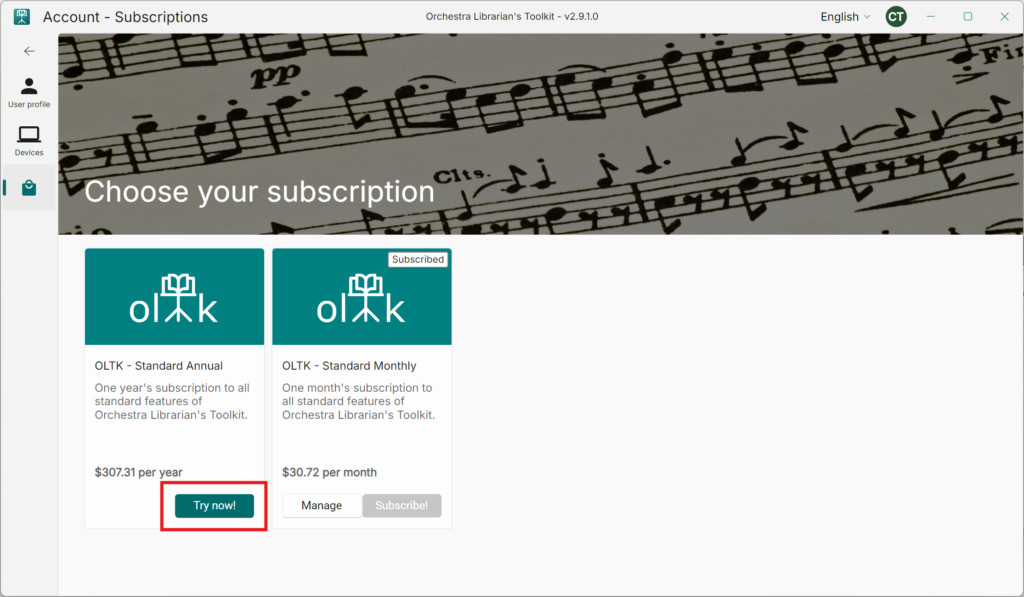
- Navigate to Subscriptions
- Press Try now! or Subscribe! on the annual subscription card
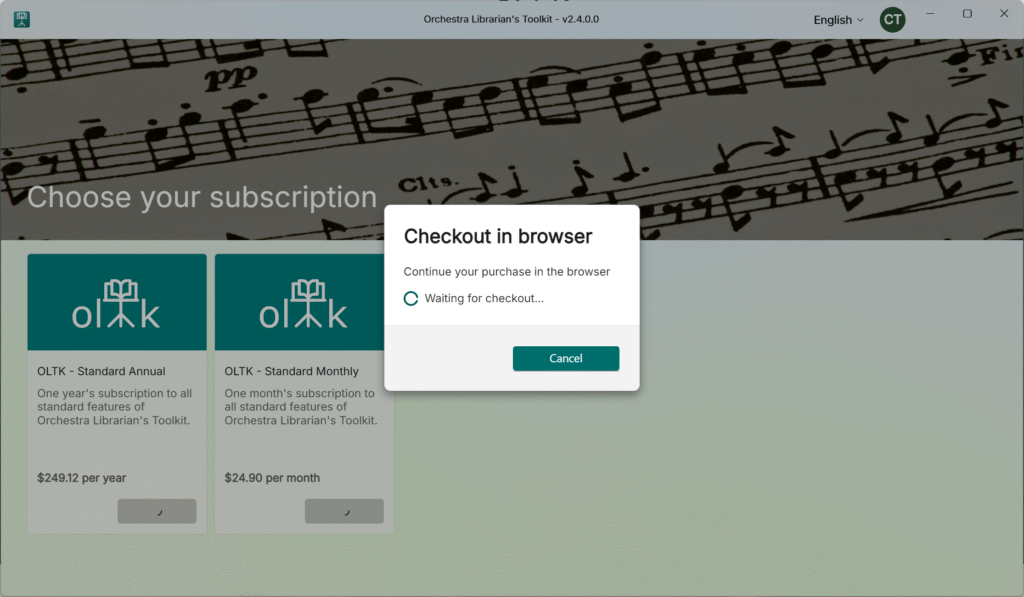
- The app will open a checkout in your web browser.
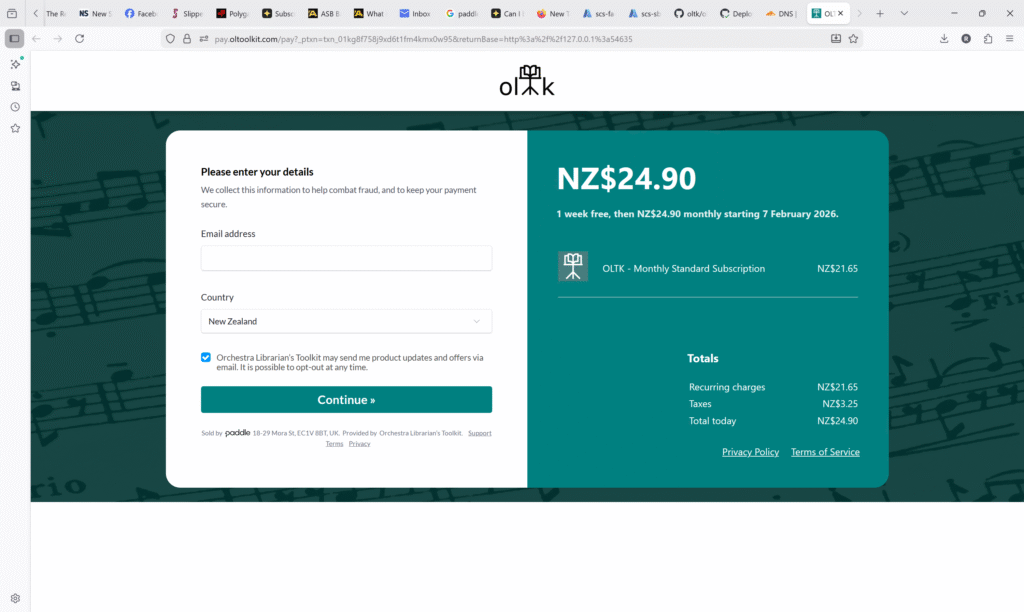
- Fill in your billing email and country and press Continue.
- You can choose to pay with a Credit/Debit card, Paypal, Google Pay (Chrome browser only) or Apple Pay.
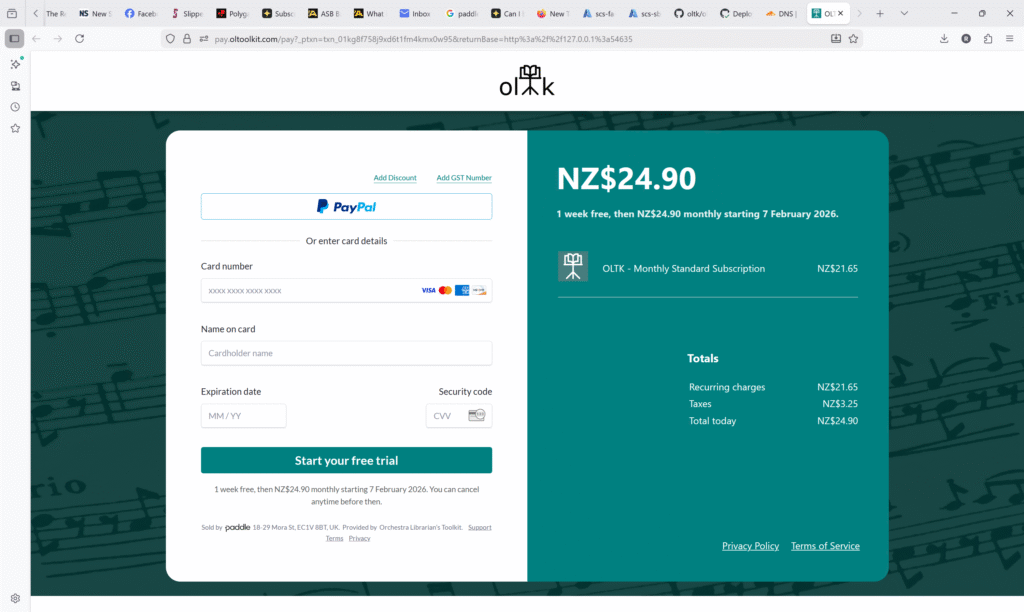
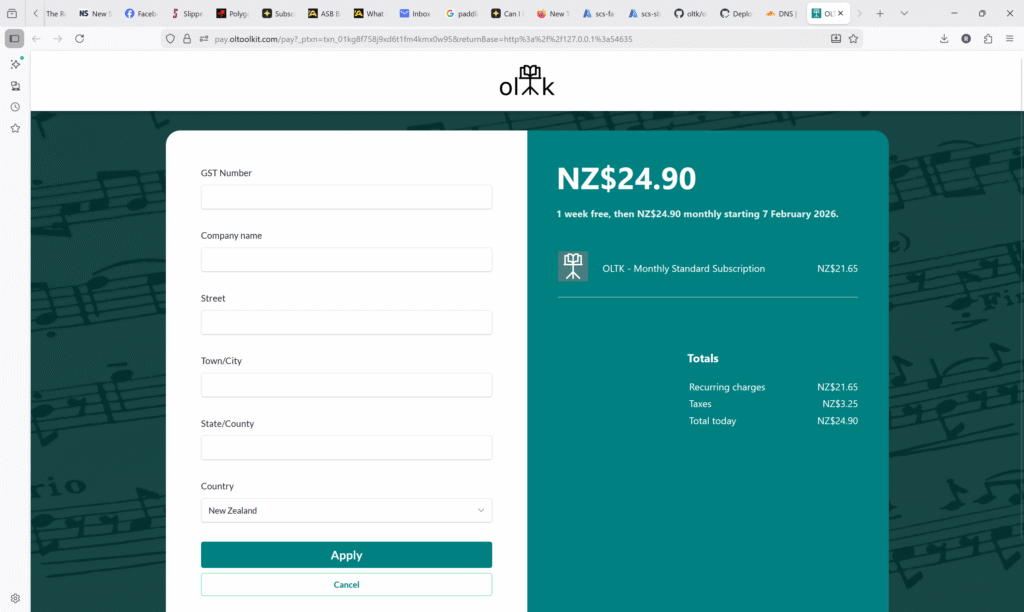
- If you need your invoice to include company details, Press Add GST Number (In some countries, this may say Add VAT Number or similar).
- Fill in your company’s details and press Apply.
- Once you have paid successfully, you will see the following screen.
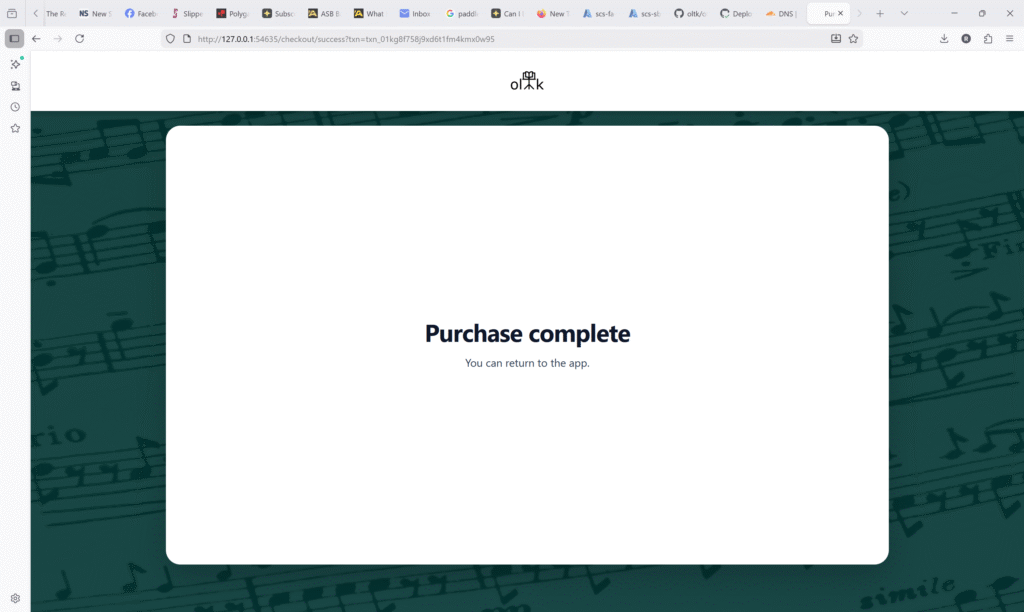
- You can now return to the app.
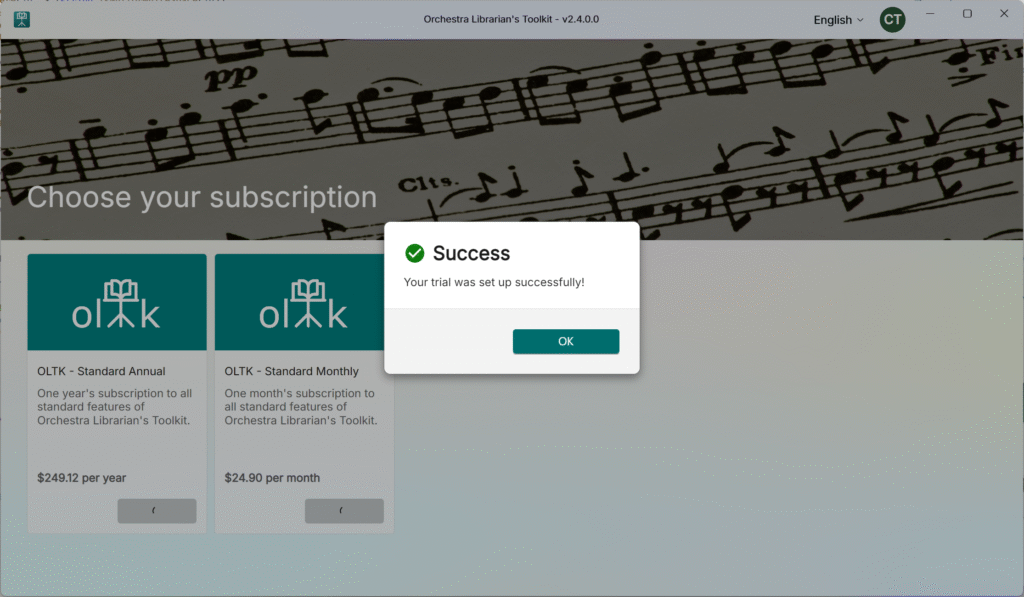
- Press OK
- Finally, cancel your monthly subscription using the steps here