Welcome to Orchestra Librarian’s Toolkit (OLTK). Please follow the steps below to get started. If you have any questions along the way, please do reach out to support at support@oltoolkit.com
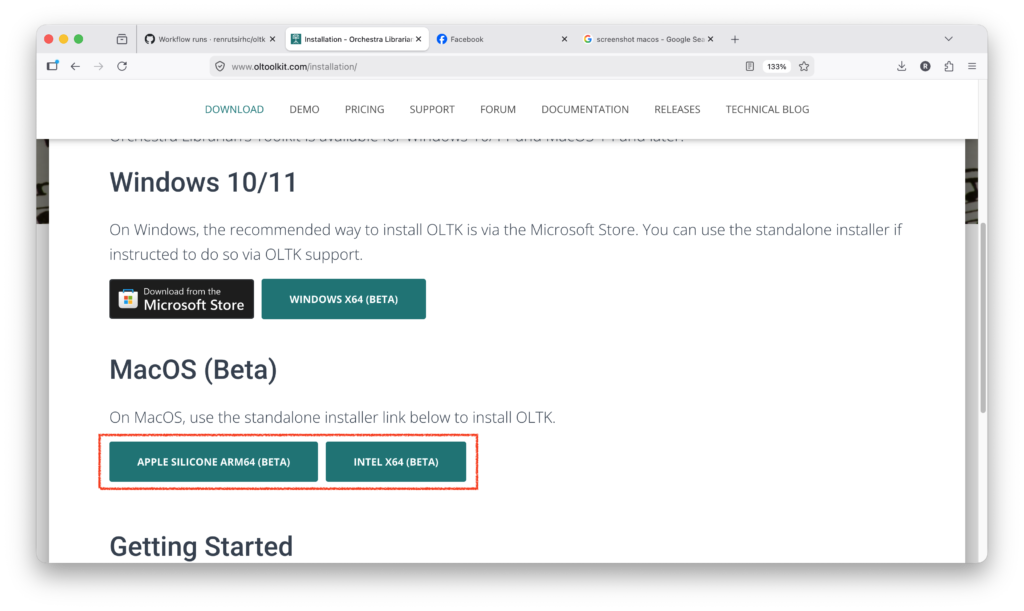
- Navigate to the Downloads page
- Choose the correct installer for your Mac (Apple Silicone or Intel)
- Once the installer has downloaded, open the installer
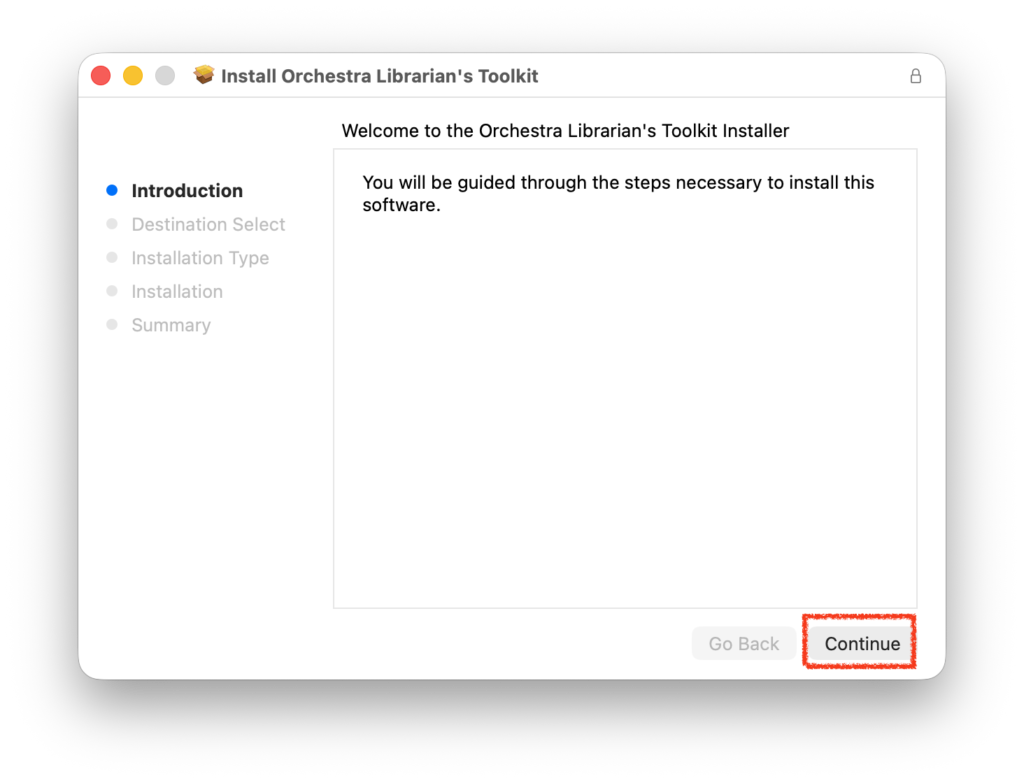
- You will be shown the following screen
- Press Continue
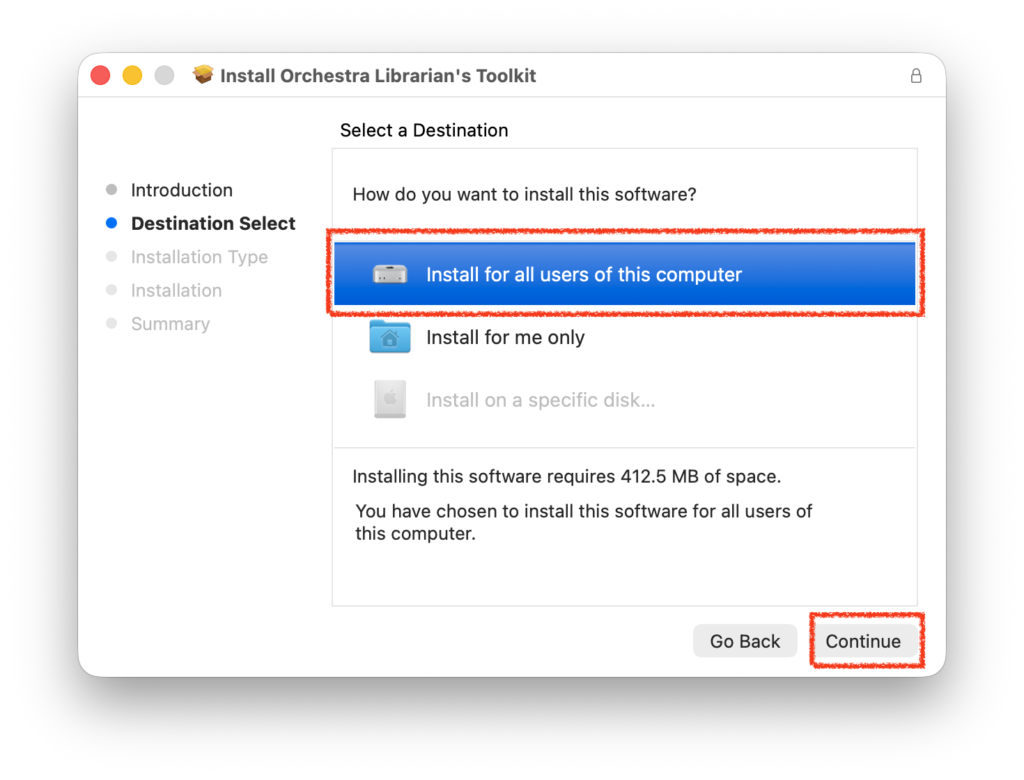
- Choose whether to install OLTK for all users or just yourself
- Press Continue
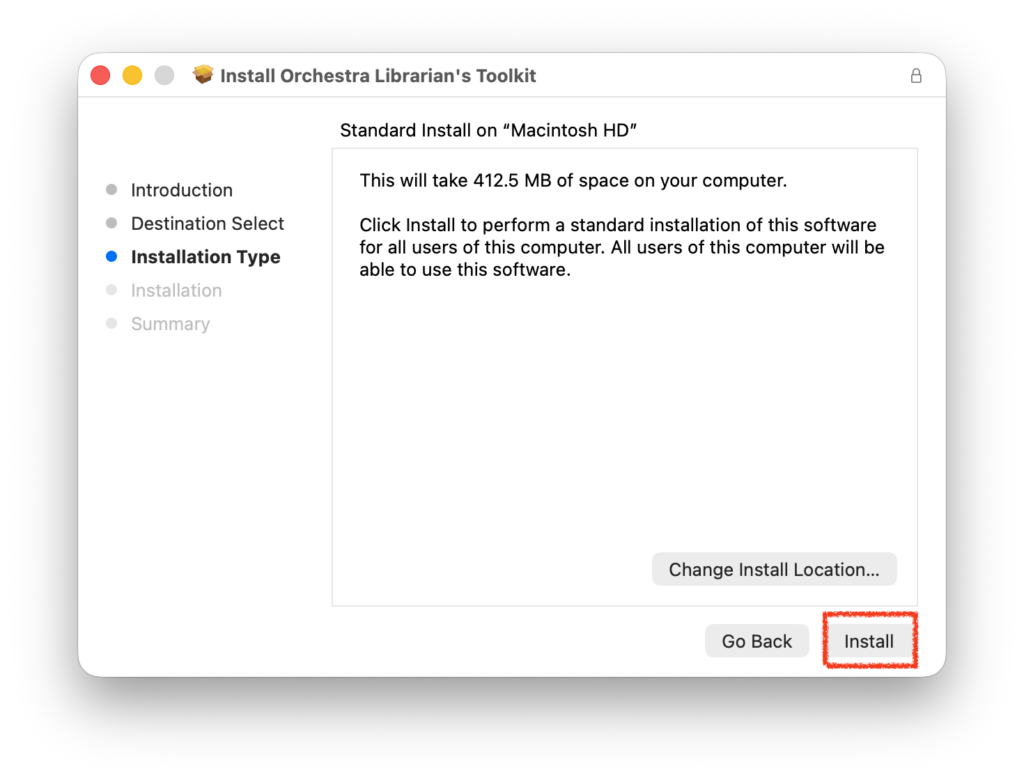
- Press install (we recommend not to change the default install location
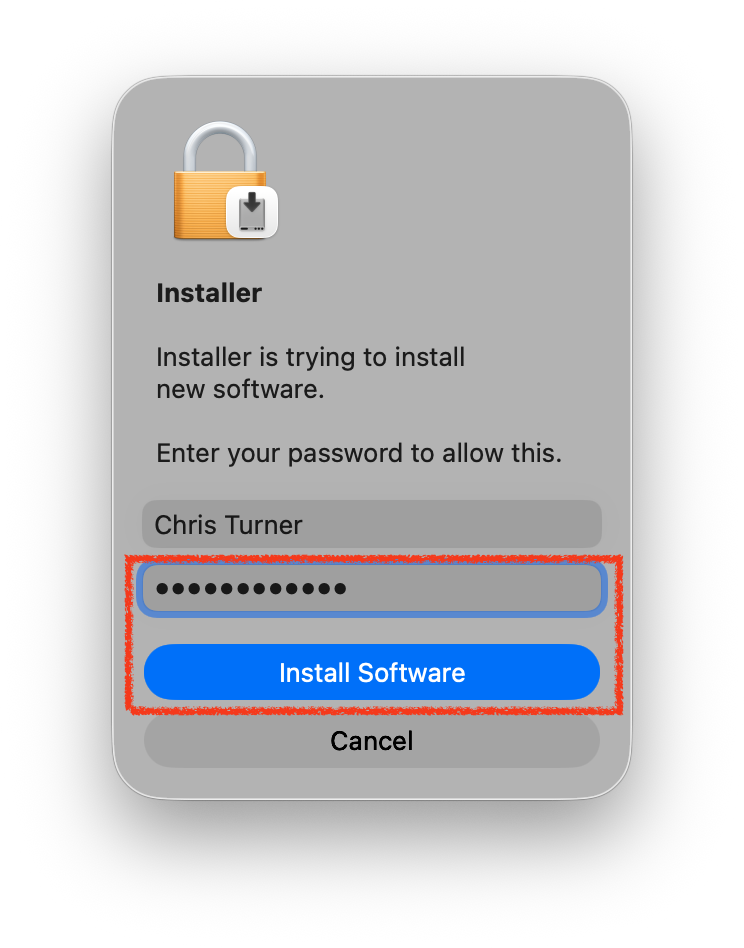
- Grant the installer permissions to install if necessary
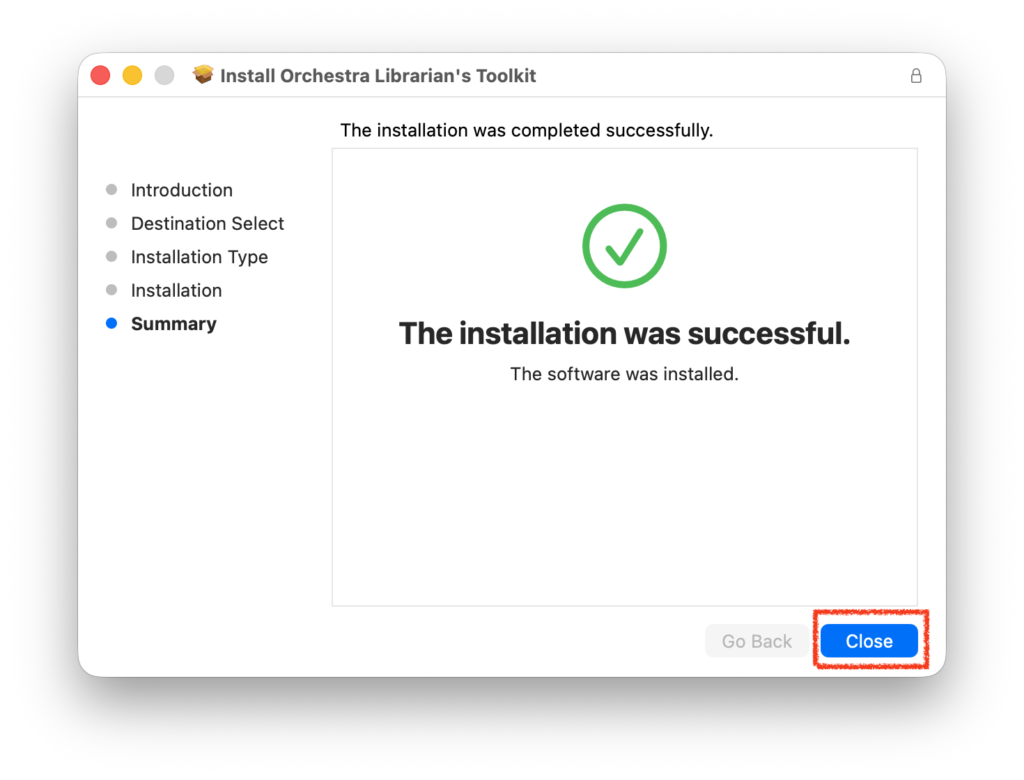
- Once the installer has completed, press Done
- Orchestra Librarian’s Toolkit will launch as soon as the installer has finished
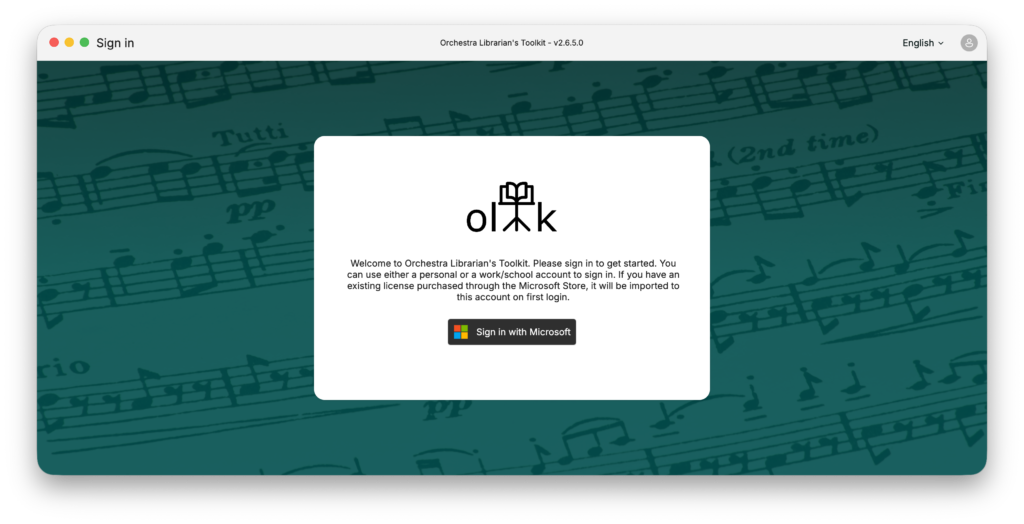
- Next, follow the steps in the Creating your OLTK account help article to get set up with an account and subscription.