Available from OLTK 1.2.0 onwards
Thumbnails View | Booklets View
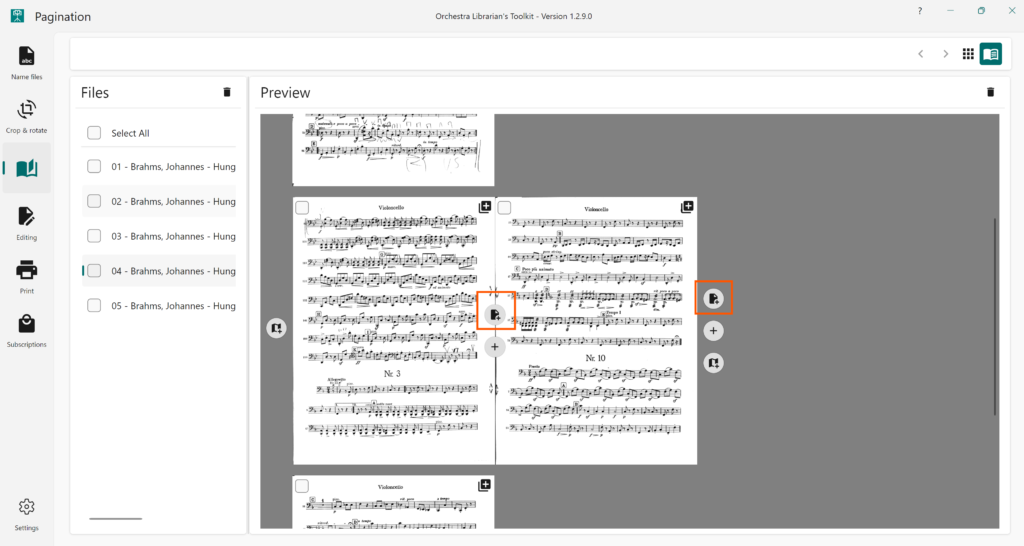
To add a blank page to facilitate better page turns, press the Insert blank page for turn button.
You can also add blank pages using custom templates.
Available from OLTK 1.2.0 onwards
Thumbnails View | Booklets View
To add a blank page to facilitate better page turns, press the Insert blank page for turn button.
You can also add blank pages using custom templates.